
Switch 1 & 2 · Virtual Game Cards
Nintendo Virtual Game Cards: share between two consoles and lend to family
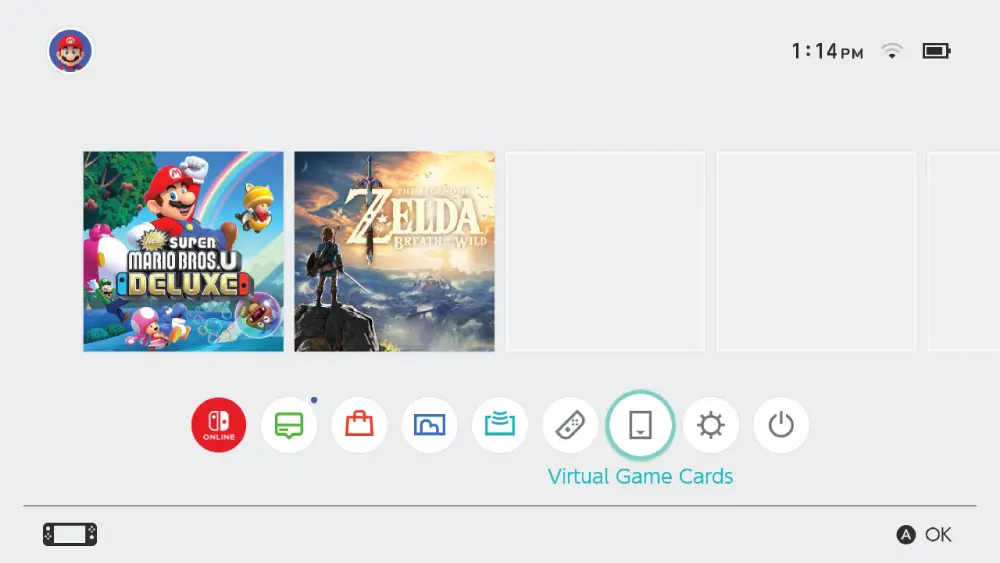
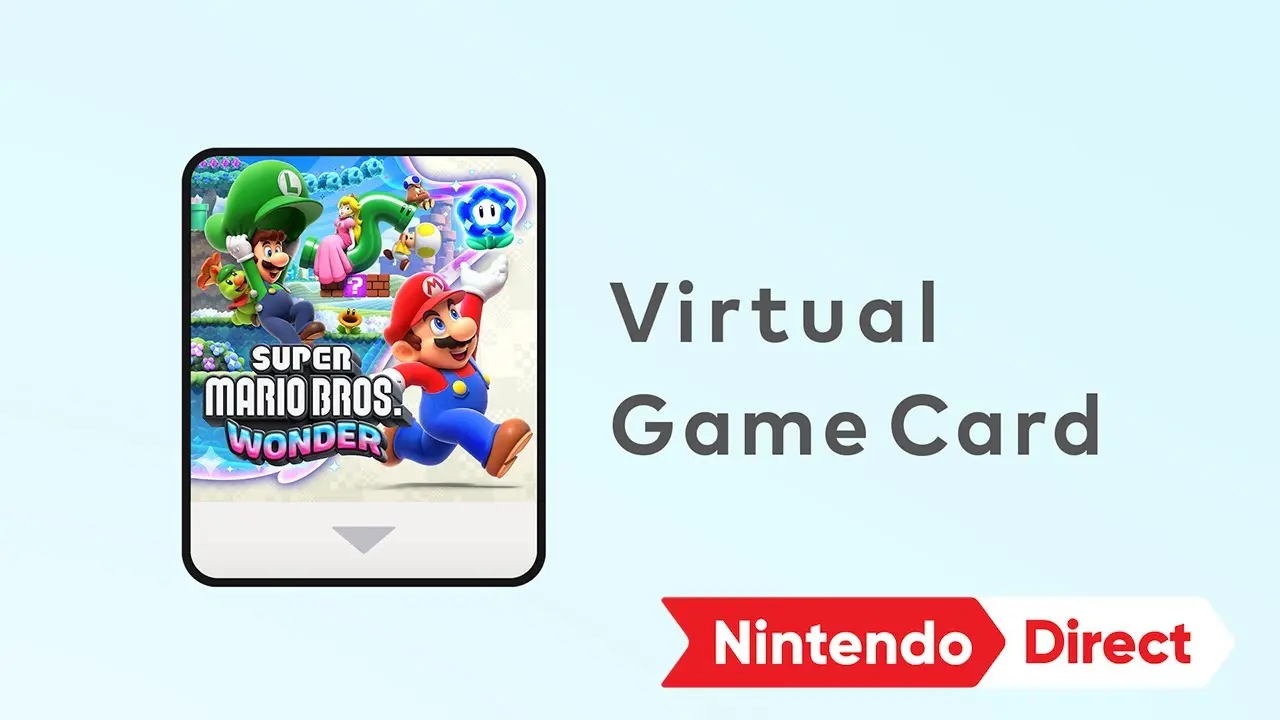
Your eShop games now behave like virtual game cards: load one on either of two linked consoles and everyone on that console can play it. You can also lend a card to a member of your Nintendo Account family group for 14 days — up to 3 cards at once — after which it returns on its own.
Last checked:
| Rule | Value | Status |
|---|---|---|
| Consoles that can load your cards | 2 linked consoles (any Switch 2 / Switch / Lite / OLED mix) | official only |
| Family group size | Up to 8 Nintendo Accounts | official only |
| Cards you can lend at once | 3 | official only |
| Games a borrower can hold | 1 at a time, from one lender | official only |
| Loan length | 14 days, then automatic return | official only |
| Lender can play a lent game | No | official only |
| DLC lent with the game | Yes | official only |
Virtual Game Card limits from Nintendo Support, checked 20 Nov 2026 (official only).
Link two consoles and load a card
- 1 Update both consoles and connect both to the internet.
- 2 Bring the two consoles close together and follow the link prompt from Virtual Game Cards on the HOME Menu. You only link once.
- 3 Open Virtual Game Cards, pick a game and choose Load on the console you want to play on. Load as many as fit — there is no need to eject one to load another on the same console.
- 4 To move a game, eject it on one console and load it on the other. After linking, the consoles can be in different places as long as they are online, or powered on or in sleep mode.
- 5 Manage cards without a console from the Nintendo Account website if you need to.
How lending works
- You and the borrower must be together in the same place to start the loan.
- The borrower must be in your Nintendo Account family group.
- You can lend up to three cards at a time; a borrower can hold one game and only from one person.
- You can lend only one card at a time to a particular console, even if several family members use it, and not to a console that has users from different family groups.
- DLC you bought goes with the game. Some games do not support lending; Nintendo does not publish which ones.
- After 14 days the card returns automatically. The borrower can return it early and you can take it back early.
What you cannot do with a Virtual Game Card
- Play a game you have lent out. It leaves your console for the loan period.
- Load the same game on both consoles at once. If it is running on your other linked console, close it there first.
- Lend to a friend outside the family group, or start a loan remotely.
- Link a third console. For more than two, Nintendo points to the online licence setting covered on game sharing on the original Switch.
Save data stays tied to the account and console it was made on. Use a system transfer or Nintendo Switch Online cloud backup if you want to continue a save on the other console.
Virtual Game Cards or GameShare?
Use Virtual Game Cards when the second console should play on its own — a child's Switch in another room, or a loan to a sibling. Use GameShare when everyone is playing together right now and the game supports it. A card loan does not let lender and borrower use that card simultaneously; multiplayer on the borrowing console still follows the game's own modes.
Questions people ask
What is a Virtual Game Card?
How many consoles can use my Virtual Game Cards?
How long can you lend a game?
Can you lend to a friend outside your family group?
Can you play a game while it is lent?
Does DLC transfer with a loan?
Can I lend two games to the same person?
Sources
- Nintendo Support: Virtual Game Card Guide — checked 2026-11-20
- Nintendo Support: How to play your games across multiple Switch 2 or Switch consoles — checked 2026-11-20
- Nintendo of America on YouTube: Virtual Game Card – Nintendo Direct 3.27.2025 — checked 2026-11-20
How sources are counted and re-checked: editorial policy.