
Switch 1 · Current method
Game sharing on the original Nintendo Switch
Old guides tell you to change your "primary console". Nintendo's current instructions for the original Switch are different: link it as one of your two Virtual Game Card consoles, turn on the online licence setting if you have a third console, and use it to receive GameShare sessions from a Switch 2 nearby.
Last checked:
| Task | Older guides | Nintendo's current path | Status |
|---|---|---|---|
| Play your digital games on a second console | Set it as primary | Link both consoles and load a Virtual Game Card | official only |
| Move a game between consoles | Re-download on the primary | Eject the card on one, load it on the other | official only |
| Play on a third console | Not a documented feature | Turn on the online licence setting and stay connected | official only |
| Lend to family | Not a system feature | Virtual Game Card loan, 14 days, family group only | official only |
| Join a friend's Switch 2 game | Not possible | Receive a local GameShare session | official only |
Old guides vs Nintendo's current support articles (checked 20 Nov 2026).
Share your games between a Switch and a Switch 2
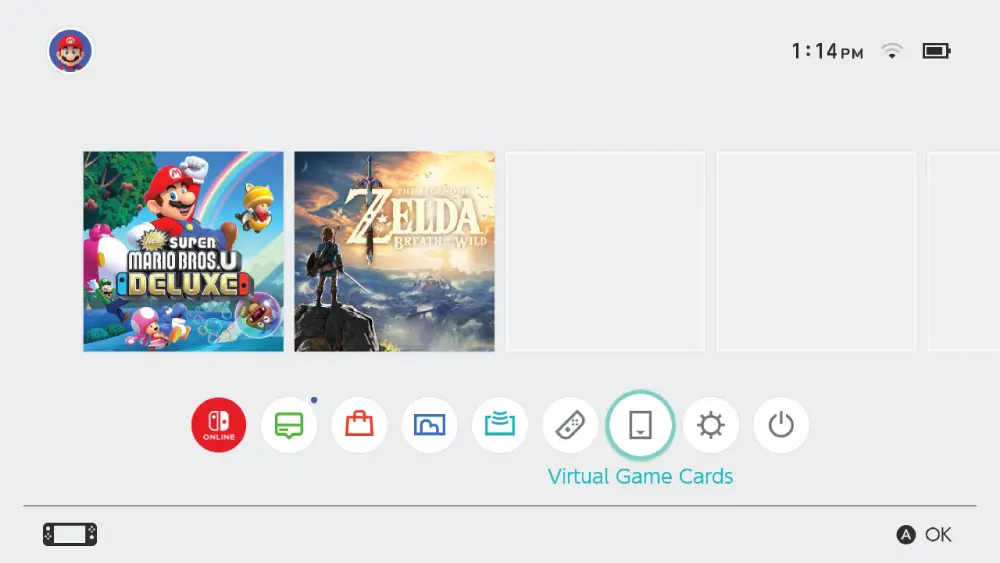
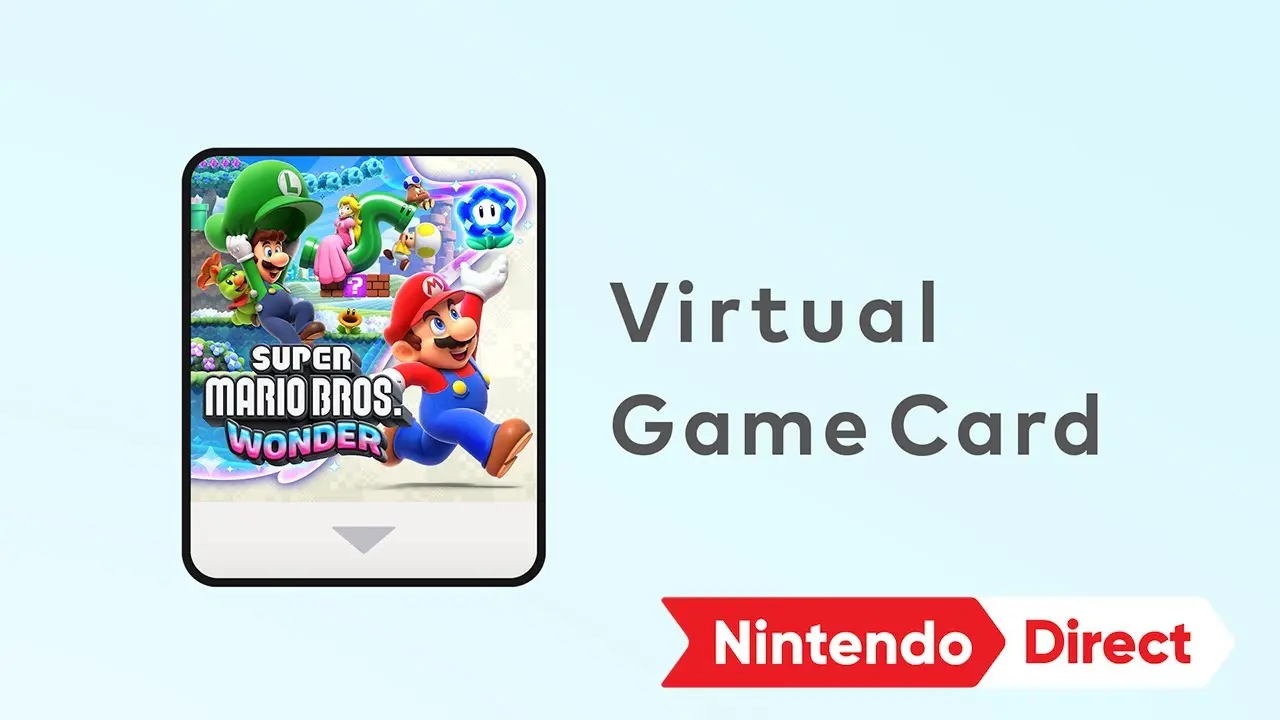
A Switch 1 — standard, OLED or Lite — can be one of the two consoles linked for Virtual Game Cards, with a Switch 2 or another Switch as the second. After a system update, the Virtual Game Cards entry appears on the HOME Menu. Every user on the console where a card is loaded can play that game, which is how a family shares one digital library across two machines.
- 1 Update the Switch to the latest system version and connect it to the internet.
- 2 Link it with your other console by bringing them close together and following the Virtual Game Cards link prompt.
- 3 Open Virtual Game Cards on the Switch and load the game you want to play there.
- 4 Other users on that Switch can now play it. Eject it when you want it back on your other console.
More than two consoles: the online licence setting
Nintendo's multi-console article says that with the online licence setting turned on, you can play downloaded software and DLC on a console while it is connected to the internet, even when the Virtual Game Card is not loaded there. Nintendo describes it at a high level only, so I stick to that sentence and don't speculate about how it interacts with lending.
Joining Switch 2 GameShare from a Switch 1
Nintendo says any Switch 2 or Switch can receive a local GameShare session, but only a Switch 2 can send one. So a friend with an original Switch can join your supported Switch 2 game in the same room without owning it. Online GameShare through GameChat is Switch 2 only. The supported games are listed on GameShare compatible games.
Why older guides say "primary console"
Earlier Switch guides and some error messages refer to a primary system. Nintendo's current support flow for playing on more than one console uses Virtual Game Cards and the online licence setting instead, so I describe that path and do not send you hunting for a setting the current flow no longer uses. Nintendo has not published a date or a statement about the change, which is why I don't give one. Replacing a console entirely is a system transfer, which moves users, saves and eShop purchases.
Questions people ask
How do you game share on an original Switch?
Can a Switch 1 receive Switch 2 GameShare?
Can a Switch 1 send GameShare?
How many consoles can load my games?
Do I need Nintendo Switch Online for this?
Sources
- Nintendo Support: Virtual Game Card Guide — checked 2026-11-20
- Nintendo Support: How to play your games across multiple Switch 2 or Switch consoles — checked 2026-11-20
- Nintendo: Nintendo Switch 2 GameShare, how it works — checked 2026-11-20
How sources are counted and re-checked: editorial policy.