
PS5 · Console Sharing
How to game share on PS5
Yes, you can game share on PS5: sign in on your friend's PS5, turn on Console Sharing and Offline Play, and anyone using that console can play your digital games on their own profile while you keep playing on yours. Only one PS5 can have it on at a time, and a remote reset of all devices is allowed once every 6 months.
Last checked:
| Limit | Value | Status |
|---|---|---|
| PS5 consoles with Console Sharing on | 1 at a time | official |
| Remote "deactivate all devices" | Once every 6 months | official |
| PS4 primary console (separate count) | 1, can be active alongside the PS5 | official |
| PS Plus needed to turn sharing on? | No | official only |
| PS Plus needed for online multiplayer? | Yes, for most online play | official |
| Owner and friend play at the same time? | Yes, one copy on two consoles | 2 sources |
PS5 sharing limits, from PlayStation Support pages checked 20 Nov 2026.
Set up PS5 game sharing step by step
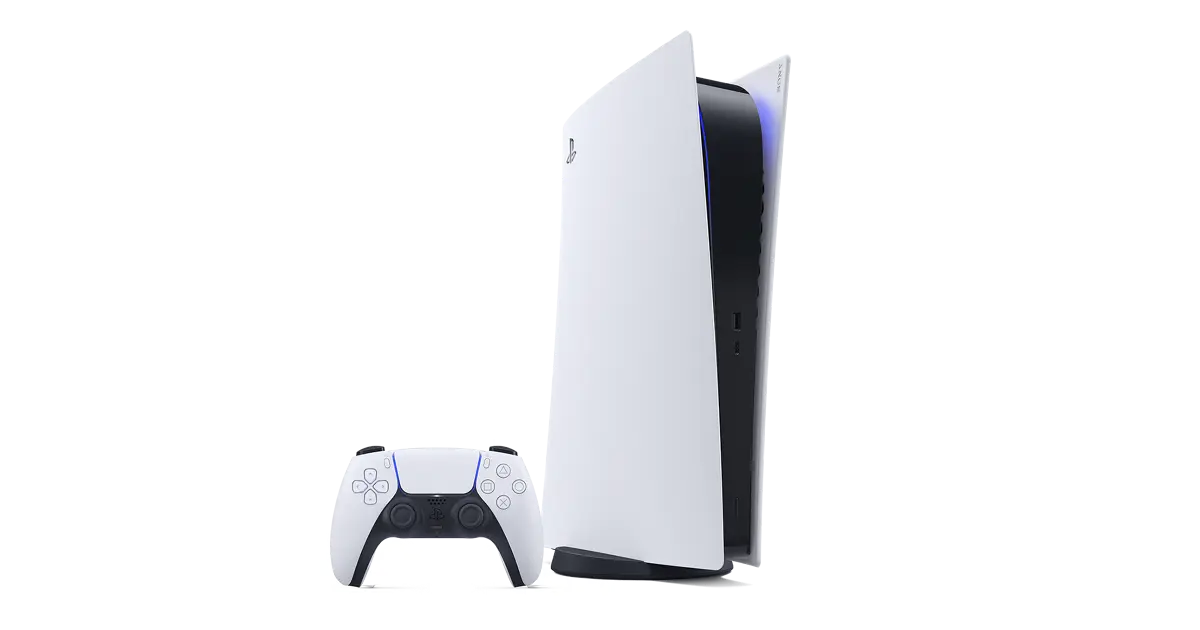
The setting lives on the console that should share your library — usually your friend's or your family member's PS5, not your own. Sony turns it on automatically for the first PS5 you ever signed in on, so if your own console already has it, switch it off there first.
- 1 On your own PS5, go to Settings > Users and Accounts > Other > Console Sharing and Offline Play and choose Disable. Skip this if you have never used a PS5 before.
- 2 On your friend's PS5, add your PlayStation account as a user (Add User on the login screen) and sign in.
- 3 Open Settings > Users and Accounts > Other > Console Sharing and Offline Play and choose Enable.
- 4 Download the games you bought from the Game Library while still signed in as yourself.
- 5 Sign out and let your friend switch back to their own profile. Your games now launch for them, including offline.
- 6 Keep playing on your own PS5 while it stays online so it can verify your licence.
Can you both play at the same time?
Yes. The shared console holds the licence, so your friend plays on their profile there, and your own PS5 checks your licence online when you launch the same game. Engadget describes the same arrangement as "one copy of a game on two different consoles". Sony's page explains the console model but has no sentence that literally promises simultaneous play, which is why I count this as two sources rather than an official guarantee.
Two practical consequences follow. Your own PS5 needs an internet connection when you play a shared title, and online multiplayer still needs PS Plus entitlement: your subscription shares selected benefits with other profiles on the activated PS5, so those profiles do not each need a separate subscription.
What is shared and what is not
| Item | Shared on the activated PS5? | Source |
|---|---|---|
| Games and media you bought on PlayStation Store | Yes, for anyone using that PS5 | PlayStation Support |
| Online multiplayer from your PS Plus | Yes, subject to parental controls | PlayStation Support |
| Downloaded Monthly Plus games and Plus catalogue games | Yes, depending on your plan | PlayStation Support |
| Buying Plus-discounted products, online storage, auto patch downloads | No | PlayStation Support |
| In-game currency, consumables and add-ons | Check the game or add-on terms; sharing is not guaranteed | Game-specific; no complete Sony list |
| A second PS5 at the same time | No, one PS5 only | PlayStation Support |
Sony does not publish a complete list of add-ons that stay with the buyer, so check a specific game's store page before buying DLC for a shared console. The detailed PS Plus split is on does PS Plus share?
Moving sharing to a different PS5
If you can reach the old console, sign in there and choose Disable, then enable it on the new one. If you cannot reach it — a friend moved away, or you lost access — sign in to your account on the web and use Deactivate all devices. That reset can only be used once every 6 months. The 6-month rule applies to that remote reset only; switching sharing on and off locally is not counted against it.
A PS4 activated as your primary PS4 is counted separately, so you can share with one PS5 and one PS4 at once. See PS4 and PS5 together.
Quick fixes when the game shows a padlock
- Check you are signed in with the account that bought the game.
- Confirm the purchase in your transaction history.
- For a PS Plus game, confirm the membership is still active.
- Make sure Console Sharing and Offline Play is enabled on this PS5.
- Check PlayStation Network status, update system software, then Restore Licences and rebuild the database.
More symptoms and fixes are on game share not working. Want a friend to try a game remotely instead? That is PS5 Share Play, a different feature.
Questions people ask
Can you game share on PS5?
If you game share on PS5, can you play at the same time?
Does my friend need PS Plus?
Can I share my games with two friends at once?
How often can I change which PS5 shares my games?
Why can't I game share with someone I used to share with?
Sources
- PlayStation Support: How to turn on PS5 Console Sharing and Offline Play — checked 2026-11-20
- PlayStation Support: Share PlayStation Plus benefits — checked 2026-11-20
- PlayStation Support: Troubleshoot issues when starting a game (padlock icons) — checked 2026-11-20
- PlayStation Support: How to activate a primary PS4 console — checked 2026-11-20
- Engadget: How to game share GTA 6 and split the cost with a friend — checked 2026-11-20
- PlayStation Support on YouTube: PS5 – Console Sharing and Offline Play — checked 2026-11-20
How sources are counted and re-checked: editorial policy.