
Definition · Glossary
What is game sharing?
Game sharing is the everyday name for platform features that let a second console or account play digital games you bought, without buying them again. It is a licence arrangement, not a transfer: the game stays yours, it only works inside one platform, and it stops when the setting changes.
Last checked:
How game sharing works
When you buy a digital game, the platform records a licence on your account. Normally only you can use it, on consoles where you are signed in. Game sharing tells the platform to honour that licence in one more place:
- A console — PS5 Console Sharing, a primary PS4, or a home Xbox lets everyone on that one console use your library.
- A group of accounts — Steam Families lets up to six household members borrow from each other's libraries.
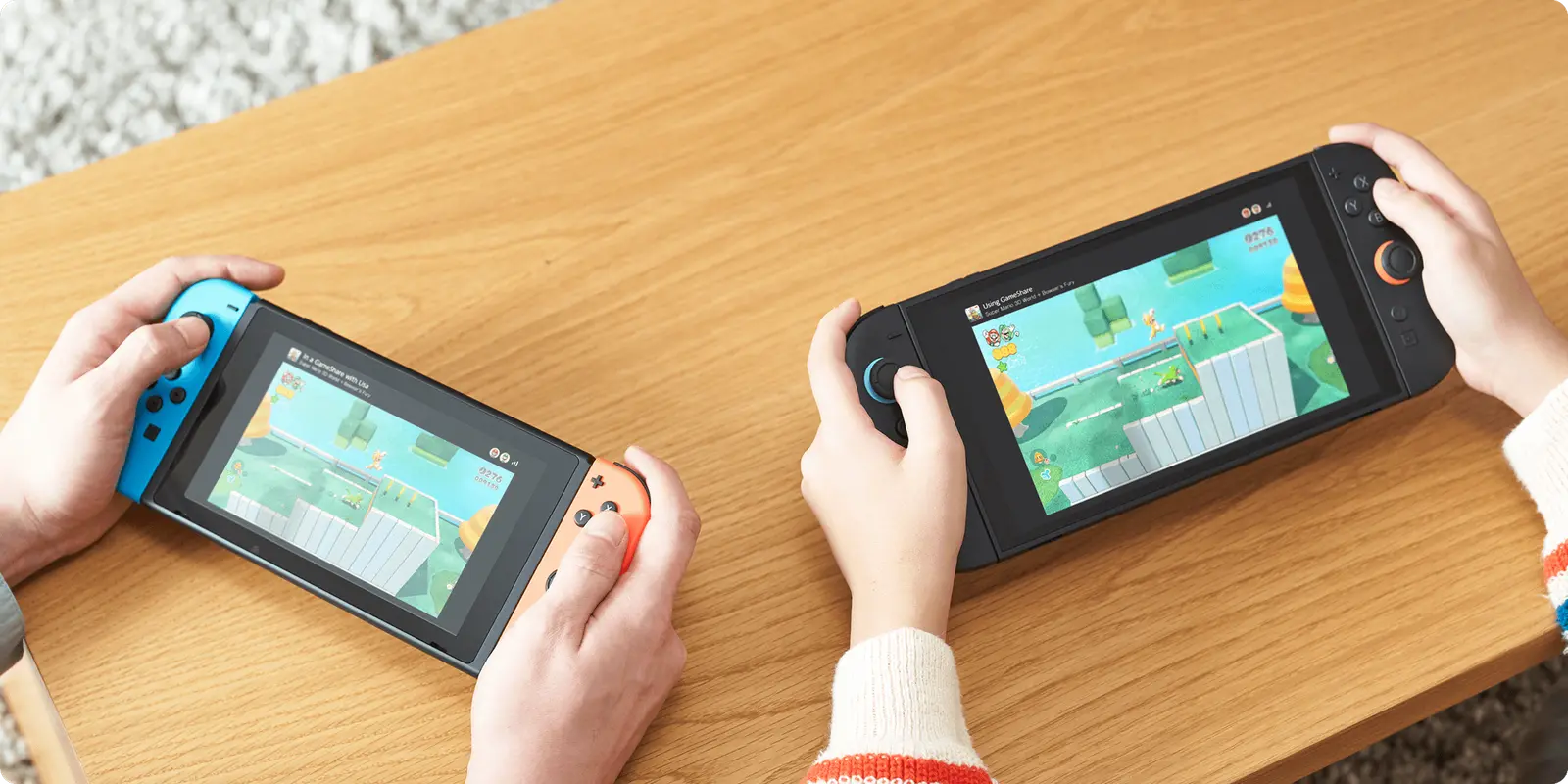
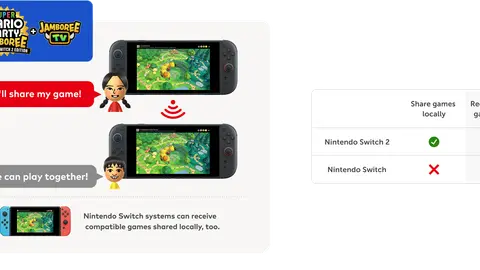
- A session — Switch 2 GameShare lets people who don't own a supported game join yours while it runs.
- A card — Nintendo Virtual Game Cards move your licence between two consoles or lend it to family for 14 days.
Glossary
| Term | Platform | Meaning |
|---|---|---|
| Console Sharing and Offline Play | PS5 | Lets anyone on one PS5 use your library, including offline |
| Primary PS4 | PS4 | The one PS4 activated for your account; separate from PS5 |
| My home Xbox | Xbox | The one console that shares your games and Game Pass with anyone who signs in |
| Steam Families | Steam | Up to 6 household members sharing libraries; one player per copy |
| GameShare | Switch 2 | A live one-copy session, local or via GameChat, for supported games |
| Virtual Game Card | Switch 1 & 2 | A digital licence loaded or ejected between two linked consoles |
| Share Play | PS5 | A one-hour stream of your game to one friend; not library sharing |
| Remote Play Together | Steam | Streams local co-op to friends who don't own the game |
| Primary console (Nintendo) | Older Switch guides | The old model; Nintendo now documents Virtual Game Cards and the online licence setting |
| Gameshare / game share | Generic | The informal search term, not an official feature name |
What game sharing is not
- Not account sharing. Handing someone your password is a separate act that Steam's and PlayStation's terms prohibit or restrict — see is game sharing legal?
- Not cross-platform. A PlayStation licence never runs on Xbox, and a Steam library can't be lent to a Nintendo account.
- Not permanent. Turn off the console setting, leave the Steam family or end the GameShare session, and access ends. To give a game for keeps, gift it.
- Not everything you bought. In-game currency, consumables and some one-time bonuses stay with the buyer.
Where to go next
-
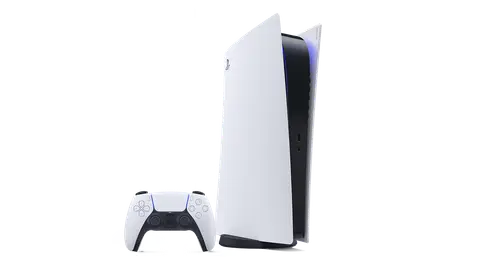 PS5 Console Sharing and Offline Play, step by step.
-
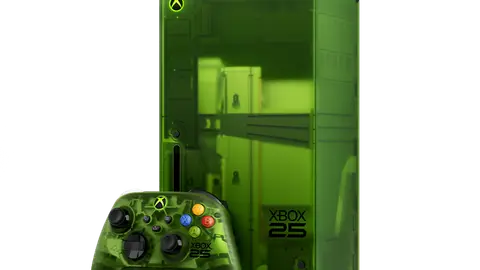 Xbox My home Xbox and the five-changes rule.
-
 Steam Steam Families for up to six people.
-
 Switch GameShare, Virtual Game Cards and gifting.
Questions people ask
What does game sharing mean?
Using a platform feature so that a second console or account can play digital games you bought, without buying them again.
How does gameshare work?
The platform honours your licence on one extra console (PS5, PS4, Xbox), across a family group (Steam), in a live session (Switch 2 GameShare) or on a second console (Virtual Game Cards).
Is game sharing the same as account sharing?
No. Game sharing uses a built-in setting; account sharing means giving out your password, which platform terms restrict.
Can you game share across platforms?
No. Each platform's licences only work inside that platform.
Is game sharing permanent?
No. It lasts while the setting, family membership, session or loan lasts. Ownership never moves.
What is the difference between GameShare and Virtual Game Cards?
GameShare is a live session for supported games; Virtual Game Cards move or lend a digital licence so another console can play alone.
Sources
- PlayStation Support: How to turn on PS5 Console Sharing and Offline Play — checked 2026-11-20
- PlayStation Support: How to activate a primary PS4 console — checked 2026-11-20
- Xbox Support: How home Xbox and game sharing work — checked 2026-11-20
- Steam Support: Steam Families User Guide & FAQ — checked 2026-11-20
- Nintendo: Nintendo Switch 2 GameShare, how it works — checked 2026-11-20
- Nintendo Support: Virtual Game Card Guide — checked 2026-11-20
- PlayStation Support: How to start Share Play on your PS5 console — checked 2026-11-20
- Steam: Remote Play and Remote Play Together — checked 2026-11-20
- Steam Subscriber Agreement — checked 2026-11-20
How sources are counted and re-checked: editorial policy.