
PC · Depends on the store
Can you game share on PC?
Yes, but only through the store you bought from. Steam games share through Steam Families (up to 6 people); PC Game Pass plays on whatever PC the subscriber signs in to, with no documented home-PC share; Epic Games Store says it does not support sharing games or family sharing at all.
Last checked:
| What you want | Use this | Not this | Status |
|---|---|---|---|
| Share a Steam library with family | Steam Families | Sharing your Steam password | official only per store |
| Play PC Game Pass on a second PC | Sign in with the subscribing account on the Xbox app | Assuming the console home Xbox rule covers PC | official only per store |
| Share an Epic Games library | Not supported by Epic | Account sharing | official only per store |
| Play local co-op with a remote friend on one copy | Steam Remote Play Together | Two family members on the same copy | official only per store |
| Play a PS5 or Xbox game on a PC | That platform's own remote play or cloud | Moving the licence to PC | official only per store |
Router table built from Valve, Microsoft and Epic help pages, checked 20 Nov 2026.
Steam on PC: Steam Families
Steam provides library sharing through Steam Families. A family of up to six people sees each other's games, can play different games at once, and needs a second copy to play the same game at the same time. Free-to-play games, titles that need a third-party launcher account, region-locked games and publisher opt-outs are excluded. The full setup is on how to share games on Steam.

Xbox app and PC Game Pass
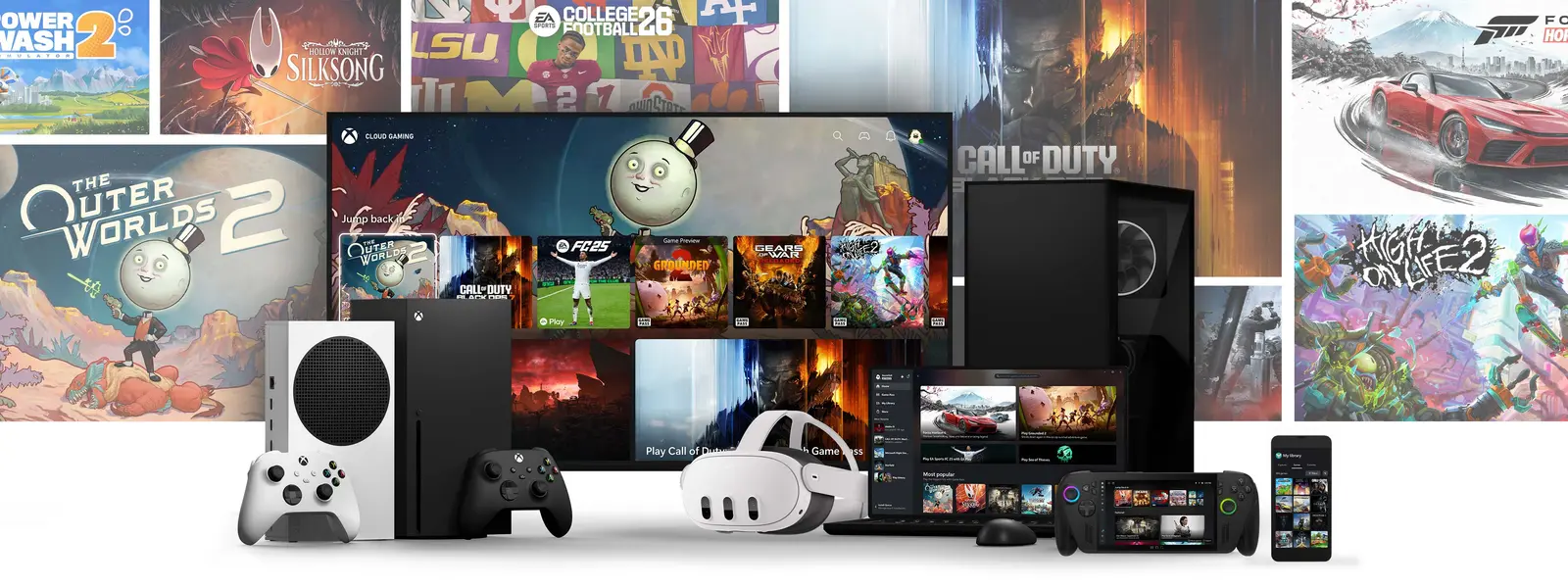
PC Game Pass runs through the Xbox app on Windows 10 or 11 (version 22H2 or later), and the account that pays for it signs in to play. Microsoft documents game sharing through My home Xbox, but that setting is explicitly a console feature. I found no Microsoft page describing a "home PC" equivalent, so I say exactly that: there is no documented way to share PC Game Pass with another account on another PC.
You can still play your own Game Pass and Microsoft Store games on any Windows PC by signing in with your account there. Whether that counts as sharing depends on who is holding the mouse — and on keeping your password private. More on sharing Xbox Game Pass.
Epic Games Store and other launchers
Epic's help centre answers the question directly: at this time Epic does not support sharing your games with other players and has no family-sharing option; games stay in the purchaser's library. For anything bought on Epic, a friend needs their own copy, or you can gift them one on a store that supports gifting.
Fortnite Crew is a subscription perk tied to a single Epic account, not a library game — see the games table.
Streaming is not sharing
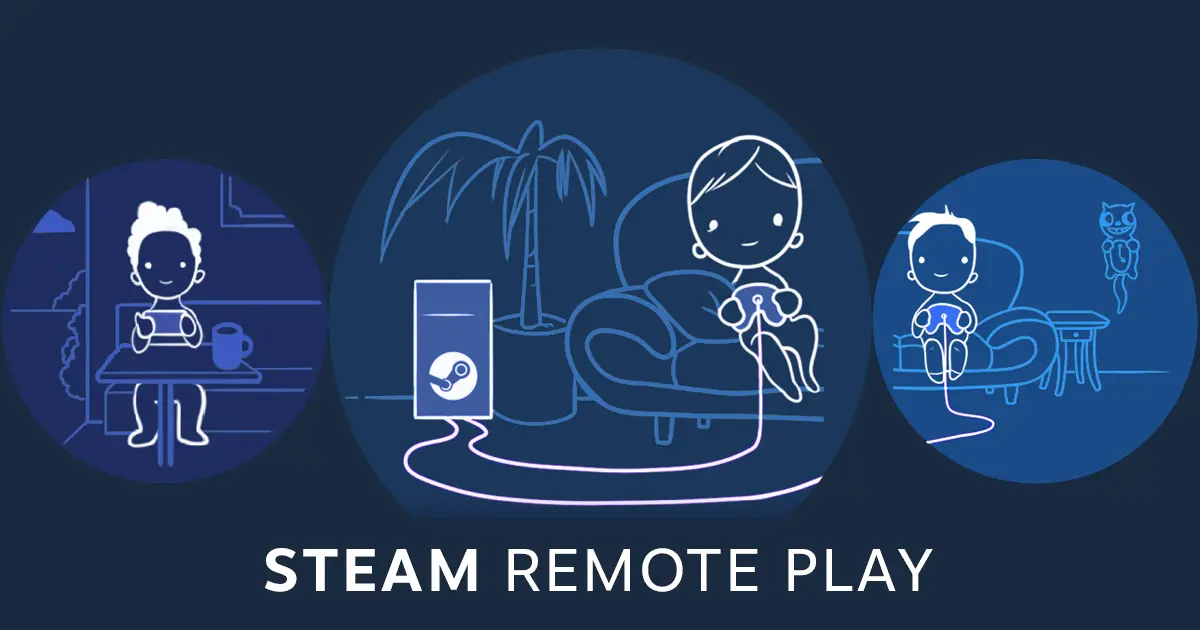
Steam Remote Play Together streams one owner's local co-op game to friends, up to four players by default. It lets friends join supported local multiplayer games on another device while the owner's PC runs the game. No official feature moves a PlayStation, Xbox console or Nintendo library to a PC account, or the reverse.
Questions people ask
Can you game share on PC?
Can you share Steam games with a friend?
Can you share PC Game Pass?
Can you game share between your own accounts on the Xbox app on PC?
Does Epic Games support family sharing?
Can you share a PS5 game with a PC?
Sources
- Steam Support: Steam Families User Guide & FAQ — checked 2026-11-20
- Xbox: PC Game Pass — checked 2026-11-20
- Xbox Support: How home Xbox and game sharing work — checked 2026-11-20
- Xbox Support: Sharing your Xbox Game Pass subscription — checked 2026-11-20
- Epic Games Help: Can I share the games in my Epic Games Library? — checked 2026-11-20
- Steam: Remote Play and Remote Play Together — checked 2026-11-20
How sources are counted and re-checked: editorial policy.