
Steam · Same game, same time
Can two people play the same Steam game at the same time?
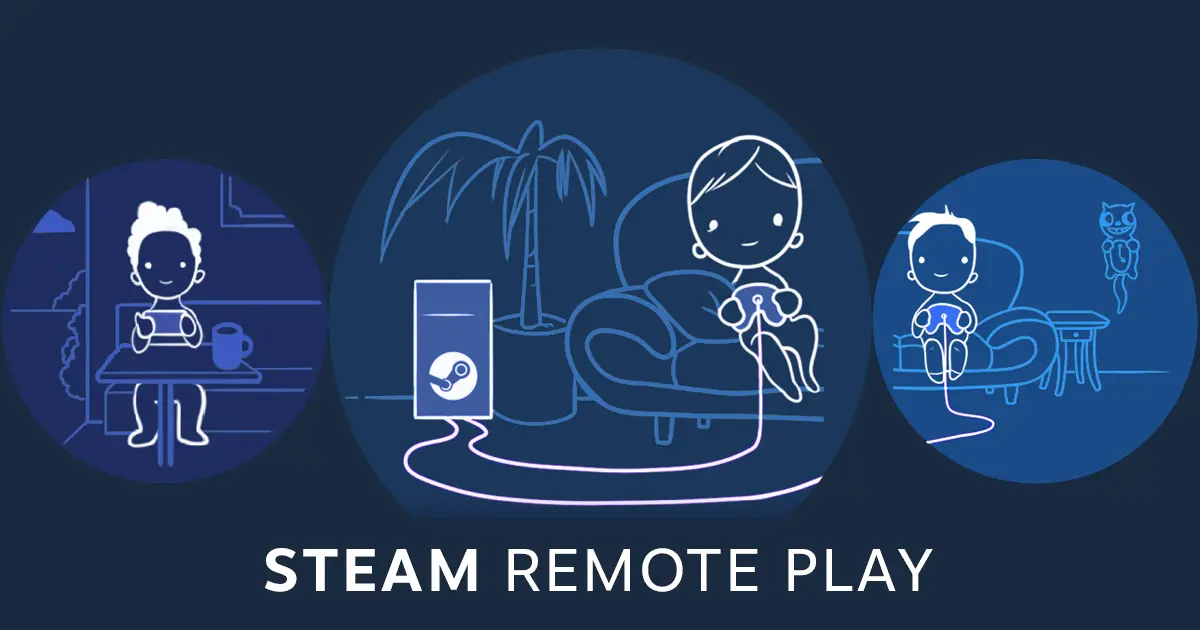
Not with one copy. Steam Families lets members play different games at the same time, but a single copy can only be played by one person at once — Valve says someone has to buy a second copy. The exception is local co-op: Remote Play Together streams one owner's game to friends who don't own it.
Last checked:
| Situation | Works? | What you need |
|---|---|---|
| Two members, different games | Yes | Both in the same Steam Family |
| Two members, same game, one copy | No | A second copy |
| Two members, same game, two copies | Yes | A copy each, or two copies in the family |
| Same game, local co-op, one copy | Yes | Remote Play Together, if the game supports it |
| Same game, online multiplayer, one copy | No | A second copy |
Decision table built from Valve's Steam Families FAQ and Remote Play page, checked 20 Nov 2026 (official only).
Why the shared game says it is locked
When a family member launches a game, that copy is in use. Anyone else in the family who tries to start it sees who is playing, and the game stays locked until that person stops. Steam is not malfunctioning; it is enforcing one player per copy.
If two members each own the game, Steam handles it automatically. When another member owns a copy with identical DLC, Steam launches that copy instead. If no identical copy exists, Steam may offer a different member's copy and warn you that your saves might not work with a different set of DLC.
When to buy a second copy
Buy one when two people regularly want the same game at the same time, or when the game is online multiplayer — there is no family workaround for two accounts joining the same online match on one licence. A second copy bought by any family member counts, so the second buyer can also be the person who plays it most.
Before buying, compare the DLC both copies will have. Mismatched DLC is the usual reason a save made on one copy refuses to load on the other.
Remote Play Together: one copy, several players
- 1 The host owns the game and launches it on their PC. Check the store page lists Remote Play Together.
- 2 While the game is running, open the Steam overlay and your friends list, then choose Remote Play Together next to the friend you want to invite.
- 3 Your friend joins from Steam on PC, the Steam Link app, or Steam Chat on a phone — they don't need to own the game.
- 4 Up to four players can join by default; Valve says more are possible on fast connections.
- 5 Friends only see the game window, not your desktop. Close the game to end the session.
What Remote Play Together does not do
- It does not give friends a licence — they can't play the game when you are offline.
- It only works for games built for local co-op or local multiplayer; support is game-by-game.
- It streams video and input from your PC, so your upload speed limits the quality for everyone.
That makes it the Steam equivalent of PS5 Share Play rather than of game sharing. The setup of the family itself is on Steam Families.

Questions people ask
Can two people play the same Steam game at the same time?
Can I play another game while my family member plays mine?
Why does Steam say my family game is locked?
What is Remote Play Together?
Will my save work on another member's copy?
Sources
- Steam Support: Steam Families User Guide & FAQ — checked 2026-11-20
- Steam: Remote Play and Remote Play Together — checked 2026-11-20
- Steam on YouTube: Introducing Steam Families — checked 2026-11-20
How sources are counted and re-checked: editorial policy.